
In today’s digitally driven world, input peripherals are more than just hardware accessories — they are vital enablers of communication between humans and machines. Whether it’s navigating complex design software, executing commands in real-time strategy games, or simply typing a document, input peripherals play a fundamental role in ensuring productivity, comfort, and efficiency. In fact, as businesses adopt smart workplace environments and personalized computing experiences, the demand for high-quality input peripherals has never been higher.
From traditional devices like keyboards and mice to advanced ergonomic solutions and touch-sensitive tablets, the category of input peripherals continues to evolve. This guide offers a comprehensive look at the latest input peripherals, their use cases, emerging trends, and how organizations can select the right devices for performance and comfort.
What Are Input Peripherals?
Input peripherals are external hardware devices that send data and control signals to a computer system. These devices allow users to interact with, manipulate, or feed input into a system for processing.
Examples of Input Devices
- Keyboard
- Mouse
- Scanner
- Webcam
- Joystick
- Microphone
- Touchscreen
The main objective of input peripherals for computers is to convert human commands (mechanical, voice, touch) into digital input that a computer can process.
Types of Input Peripherals: Understanding the Landscape
1. Key-Based Devices
- Standard Keyboard: Most common input device, essential for typing and command entry.
- Ergonomic Input Devices: Designed to reduce wrist strain and improve posture.
2. Pointing Devices
- Mouse: Optical, laser, and wireless variants.
- Touchpad: Common on laptops.
- Trackball: Offers more precision for graphic professionals.
3. Imaging and Scanning Devices
- Scanners: Convert physical documents into digital format.
- Barcode Readers: Widely used in retail and inventory systems.
4. Voice and Sound Devices
- Microphones: Capture voice input for communication and commands.
- Voice Recognition Systems: Enable hands-free computing.
5. Specialized Devices
- Gaming Controllers
- Stylus Pens and Graphic Tablets
- Biometric Scanners (Fingerprint, Retina)
6. Touch-Based Interfaces
- Touchscreens: Blend input and output — common in tablets and smartphones.
These types of input peripherals continue to grow with innovations in AI, AR/VR, and gesture control technologies.
USB Input Devices and Interface Evolution
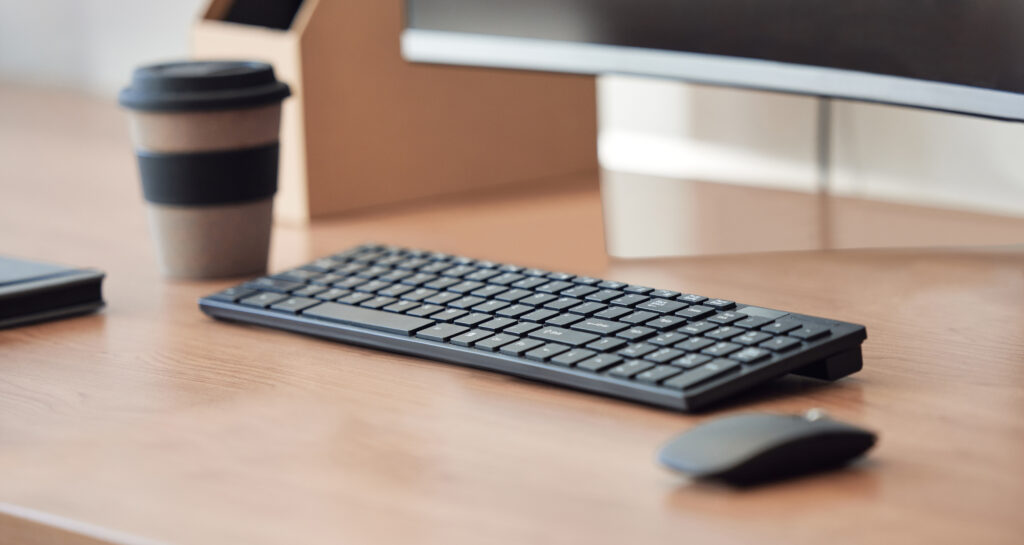
The majority of modern input peripherals for computers use USB interfaces, providing plug-and-play ease and faster data transfer. USB-C is becoming the standard due to its reversible design and high-speed capability.
Wireless input peripherals — particularly Bluetooth-enabled devices — have also become dominant, reducing desk clutter and increasing portability.
Ergonomics and Workplace Productivity
Why Ergonomic Input Devices Matter
The rise in remote work and long computer hours has made ergonomic input devices a priority for enterprises. These peripherals minimize repetitive strain injuries (RSIs), improve typing posture, and ultimately lead to higher productivity.
Popular ergonomic input devices include:
- Split keyboards
- Vertical mice
- Wrist rest-integrated peripherals
- Adjustable stylus pens
Companies investing in ergonomic USB input devices are seeing reduced absenteeism due to musculoskeletal disorders and improved overall user satisfaction.
Enterprise Use Cases for Input Peripherals
1. Creative Industries
- Graphic tablets and styluses for precision illustration
- Ergonomic mice for long design sessions
2. Customer Support and BPO
- Headsets and microphones for voice-based support
- Programmable keypads for macros
3. Retail and Logistics
- Barcode readers and POS keyboards
4. Healthcare
- Touchscreens for EMR access
- Voice recognition for hands-free note-taking
5. Gaming and eSports
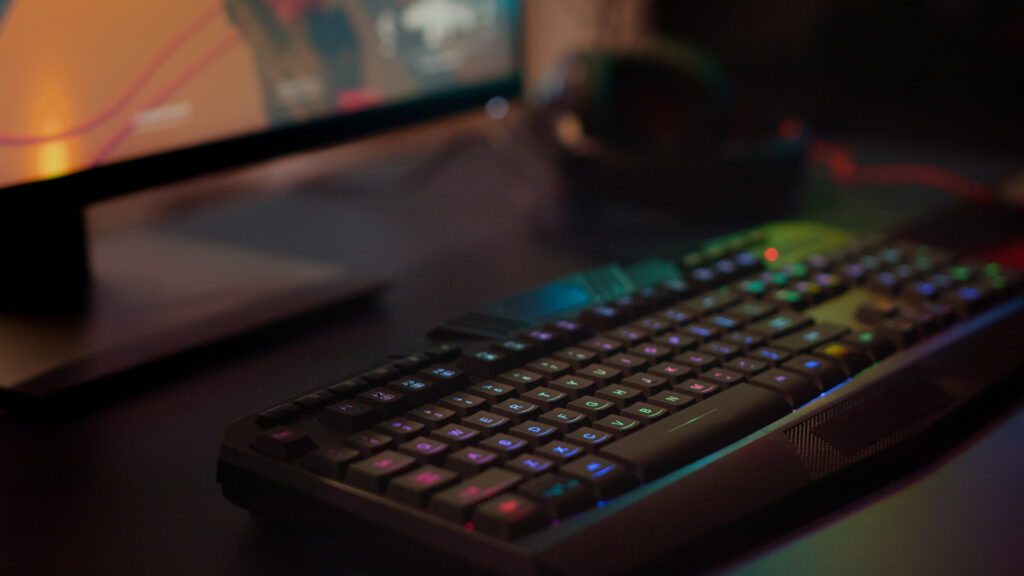
- Mechanical keyboards with programmable macros
- High-DPI gaming mice
Choosing the Right Input Peripherals for Your Needs
Considerations:
- Functionality: What task does it support?
- Compatibility: OS, software, USB version, driver support
- Comfort: Ergonomics, wrist support, customization
- Durability: Lifespan, material quality, water/dust resistance
- Cost: Value-for-money over time
Emerging Trends in Input Peripherals
1. AI-Driven Peripherals
Devices with smart features like predictive typing, voice optimization, and gesture control.
2. Modular Designs
Customizable input layouts for different workflows (e.g., video editing vs gaming).
3. Eco-Friendly Materials
Biodegradable or recycled components are becoming popular.
4. Cloud-Synced Input Profiles
Carry your keyboard or mouse preferences across devices.
Conclusion: Why Input Peripherals Deserve Strategic Attention
As computing experiences become more customized and high-performance, the role of input peripherals has evolved from utility to strategy. Whether you’re designing the perfect home office or outfitting a corporate IT fleet, selecting the right peripherals impacts user comfort, output quality, and device longevity.
With a wide range of USB input devices, ergonomic designs, and specialized peripherals available in the market, businesses must align device choices with user needs and future scalability.
Ready to upgrade your input peripherals strategy? Choose smart. Choose ergonomic. Choose future-ready.
FAQs
Quick answers to common questions related to this topic.
What are input peripherals used for?
Input peripherals are used to interact with computer systems — including data entry, navigation, communication, and command execution.
What are the most common types of input peripherals?
Common types include keyboards, mice, scanners, webcams, and microphones. Specialized types like styluses and biometric scanners are also gaining traction.
How are USB input devices different from wireless ones?
USB input devices connect via cables and often offer more reliability, while wireless devices offer portability and cleaner setups.
What are the best input peripherals for enterprise users?
Ergonomic keyboards and mice, voice recognition headsets, and touchscreen interfaces are ideal for professional environments.
Are ergonomic input devices worth the investment?
Yes, especially for users who spend long hours on computers. They help reduce strain and increase long-term productivity.